 Bestseller
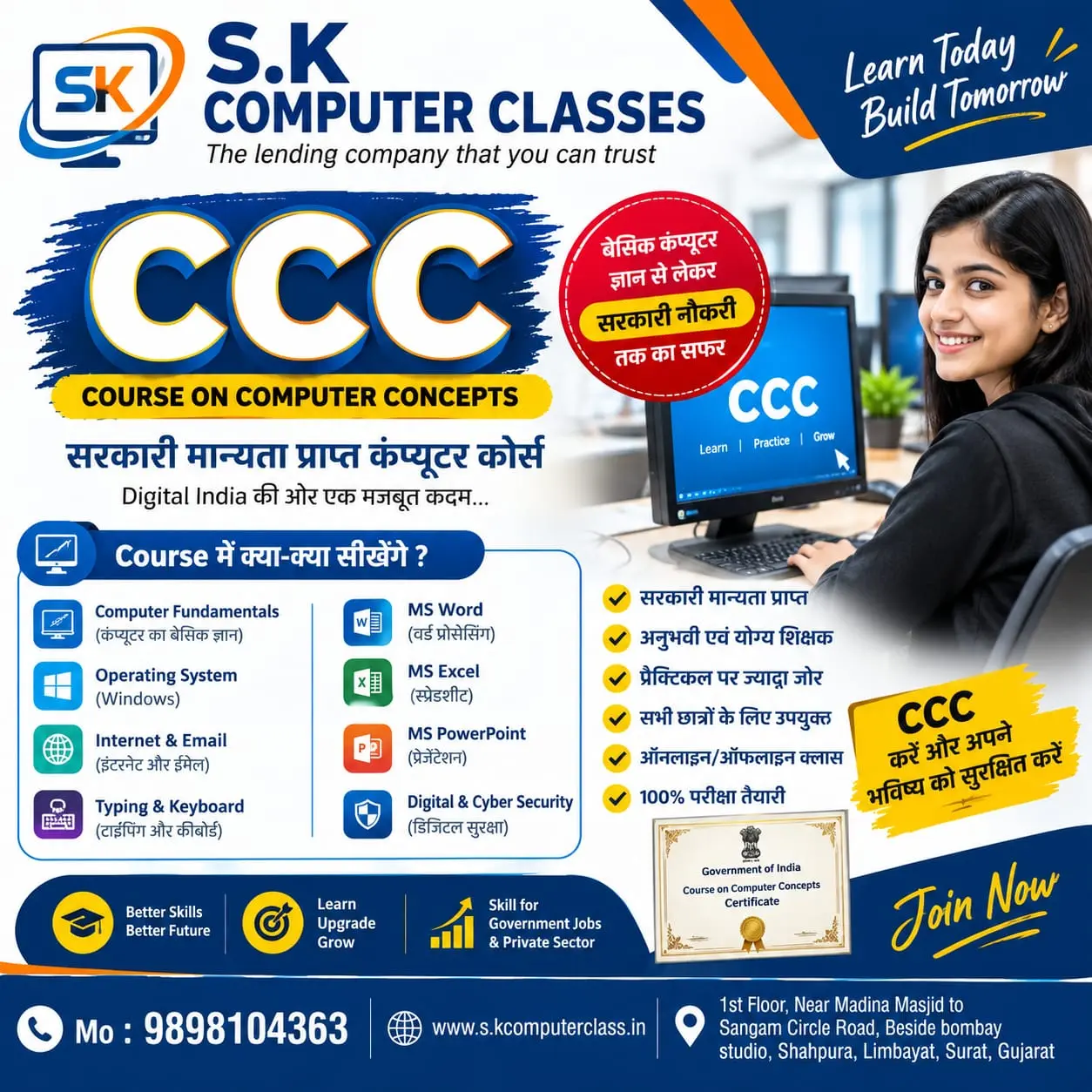
Course Name: Course on Computer Concepts (CCC)
Chapter-1 Introduction to Computer
1.0 Introduction
1.1 Objectives
1.2 Computer and Latest IT gadgets
1.2.1 Evolution of Computers & its applications
1.2.2 IT gadgets and their applications
1.3 Basics of Hardware and Software
1.3.1 Hardware
1.3.1.1 Central Processing Unit
1.3.1.2 Input devices
1.3.1.3 Output devices
1.3.1.4 Computer Memory & storage
1.3.2 Software
1.3.2.1 Application Software
1.3.2.2 Systems Software
1.3.2.3 Utility Software
1.3.2.4 Open source and Proprietary Software
1.3.2.5 Mobile Apps
1.4 Summary 1.5 Model Questions and Answers
Chapter-2 Introduction to Operating System 2.0 Introduction
2.1 Objectives
2.2 Operating System
2.2.1 Basics of Operating system
2.2.2 Operating Systems forDesktop and Laptop
2.2.3 Operating Systems for Mobile Phone and Tablets
2.3 User Interface for Desktop and Laptop
2.3.1 Task Bar
2.3.2 Icons & shortcuts
2.3.3 Running an Application
2.4 Operating System Simple Setting
2.4.1 Using Mouse and Changing its Properties
2.4.2 Changing System Date and Time
2.4.3 Changing Display Properties
2.4.4 To Add or Remove Program and Features
2.4.5 Adding, Removing & Sharing Printers
2.5 File and Folder Management
2.6 Types of file Extensions
2.7 Summary
2.8 Model Questions and Answers
Chapter-3 WORD PROCESSING
3.0 Introduction
3.1 Objective
3.2 Word Processing Basics
3.2.1 Opening Word Processing Package
3.2.2 Title Bar, Menu Bar, Toolbars & Sidebar
3.2.3 Creating a New Document
3.3 Opening and Closing Documents
3.3.1 Opening Documents
3.3.2 Save and Save As
3.3.3 Closing Document
3.3.4 Using The Help
3.3.5 Page Setup
3.3.6 Print Preview
3.3.7 Printing of Documents
3.3.8 PDF file and Saving a Document as PDF file
3.4 Text Creation and manipulation
3.4.1 Document Creation
3.4.2 Editing Text
3.4.3 Text Selection
5 Formatting the Text
3.5.1 Paragraph Indentation
3.5.2 Bullets and Numbering
3.5.3 Change case
3.5.4 Header & Footer
3.6 Table Manipulation
3.6.1 Insert & Draw Table
3.6.2 Changing cell width and height
3.6.3 Alignment of Text in cell
3.6.4 Delete / Insertion of Row, Column and Merging & Splitting of Cells
3.6.5 Border and Shading
3.7 Mail Merge 3.8 Shortcut Keys
3.9 Summary
3.10 Model Questions and Answers
Chapter-4 SPREAD SHEET
4.0 Introduction
4.1 Objectives
4.2 Elements of Spread Sheet
4.2.1 Creating of Spread Sheet
4.2.2 Concept of Cell Address [Row and Column] and selecting a Cell
4.2.3 Entering Data [text, number, date] in Cells
4.2.4 Page Setup
4.2.5 Printing of Sheet
4.2.6 Saving Spreadsheet
4.2.7 Opening and Closing
4.3 Manipulation of Cells & Sheet
4.3.1 Modifying / Editing Cell Content
4.3.2 Formatting Cell (Font, Alignment, Style )
4.3.3 Cut, Copy, Paste & Paste Special
4.3.4 Changing Cell Height and Width
4.3.5 Inserting and Deleting Rows, Column
4.3.6 AutoFill 4.3.7 Sorting & Filtering
4.3.8 Freezing panes
4.4 Formulas, Functions and Charts
4.4.1 Using Formulas for Numbers (Addition, Subtraction, Multiplication & Division)
4.4.2 AutoSum
4.4.3 Functions (Sum, Count, MAX, MIN, AVERAGE)
4.4.4 Charts (Bar, Pie, Line)
4.5 Summary
4.6 Model Questions and Answers
Copyright © 2026 DITRP INDIA. All Rights Reserved