 Bestseller
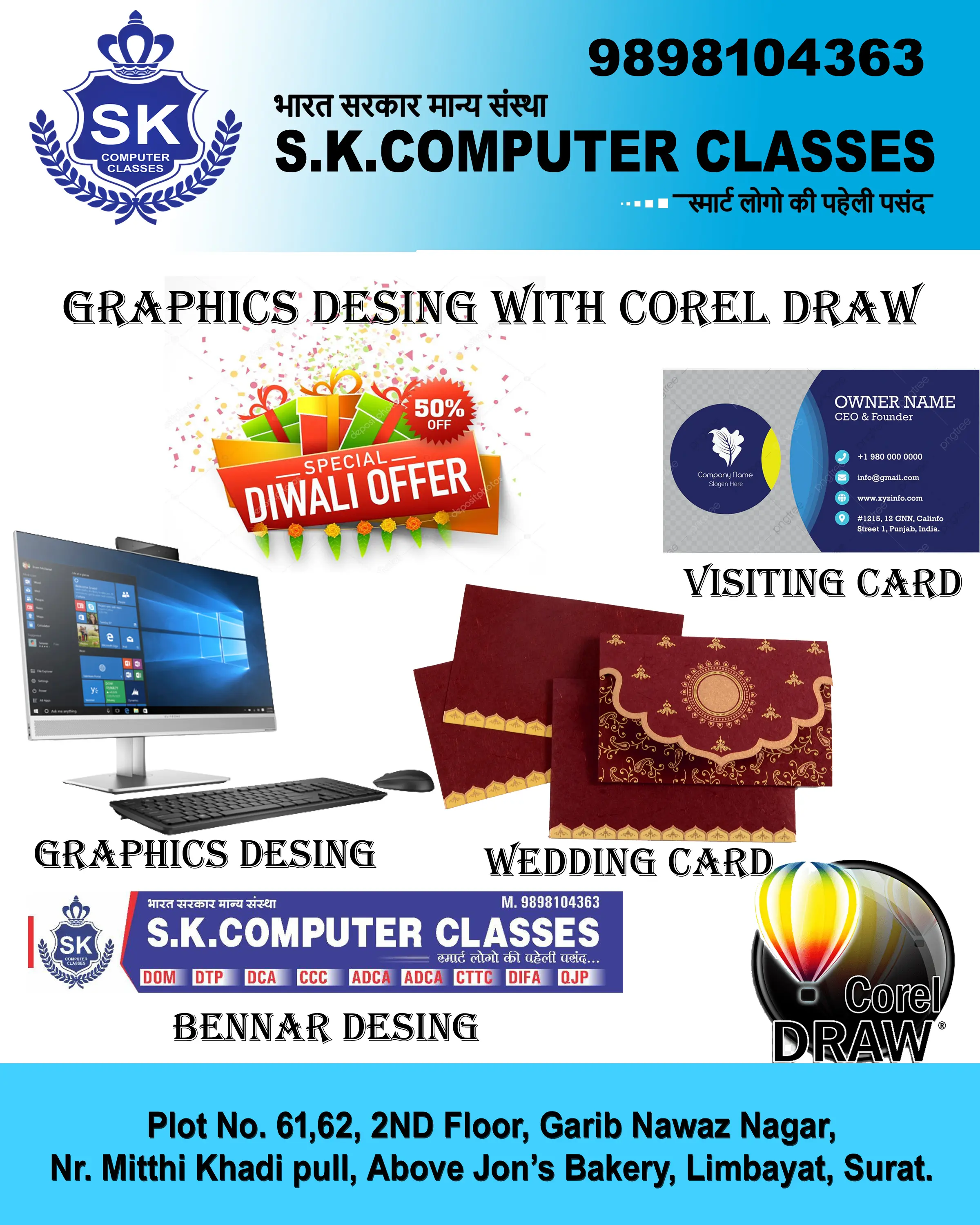
Best Graphics Designing with CorelDRAW Course in Limbayat, Surat
What is Graphic Designing with CorelDRAW?
The program on Graphic Designing with CorelDRAW equips students with the creative and technical skills needed to design stunning visuals for print and digital media. This course enables learners to create professional designs such as logos, brochures, banners, posters, business cards, and more using one of the most popular vector graphic design software—CorelDRAW.
In this course, students will explore tools and techniques used in the industry to create high-quality visual content. With CorelDRAW’s user-friendly interface and powerful features, students can start designing from basic to advanced level projects. Our step-by-step teaching approach and easy-to-understand course material make it ideal for both beginners and aspiring designers.
This course not only helps students build a strong portfolio but also prepares them to take up freelance or full-time roles in advertising, branding, printing, and publishing industries. By the end of the program, students will gain confidence in using CorelDRAW to bring their creative ideas to life.
HIGHLIGHTS & BENEFITS:
§ वास्तविक डिजाइनों पर प्रैक्टिकल ट्रेनिंग
§ सभी छात्रों के लिए निःशुल्क कोर्स सामग्री
§ अपना ग्राफिक्स व्यवसाय शुरू करने के लिए मार्गदर्शन
§ घर बैठे व्यवसाय शुरू करने के लिए टिप्स
§ करियर में आगे बढ़ने के लिए लाइफटाइम जॉब सपोर्ट
§ बिजनेस कार्ड, ब्रोशर, फ्लेक्स और लोगो डिजाइन की पूरी जानकारी
§ फ्रीलांसिंग प्लेटफॉर्म पर काम पाने के लिए मार्गदर्शन
§ प्रोजेक्ट बेस्ड असाइनमेंट्स से प्रैक्टिकल अनुभव
§ सोशल मीडिया पोस्ट और डिजिटल मार्केटिंग ग्राफिक्स डिजाइन की ट्रेनिंग
§ अपना खुद का पोर्टफोलियो तैयार करने में सहायता
§ The welcome screen
§ Understanding interface
§ Understanding dockers
§ Using rulers, grids and guidelines
§ Navigating a multi-page document
§ Understanding File Formats
§ Keyboard shortcuts
§ Using the Pick Tool
§ Zoom Tool and Hand Tool
§ Creating a basic shape
§ Using connector lines
§ Outlines and Corner Control
§ Interactive Drop Shadow
§ Interactive Contour
§ The Blend Tool
§ The Distort Tool
§ The Envelope Tool
§ The Extrude Tool
§ Interactive Transparency
§ The Eyedropper Tool
§ Color Palettes
§ Using Color CMYK and RGB
§ Weld, Trim and Intersect
§ Weld, Trim and Intersect Exercises
§ Weld, Trim and Intersect Exercises Solution
§ Grouping and Grouping
§ Aligning Objects
§ Setting the order
§ Understanding font types
§ Installing fonts
§ Types of text
§ Hindi and Gujarati fonts installation
§ Use of EKLH and EKLG fonts
§ Typing Exercise in Hindi and Gujarati language
§ Importing bitmaps
§ Cropping and resizing images
§ Free Hand
§ 2-Point Line Tool
§ Bezier Tool
§ Shape Tool
§ Cusp, Smooth and Symmetrical
§ Adding and removing nodes
§ Cleaning up lines after welding
§ Combine and Break apart
§ Joining nodes
§ Convert to Curve
§ Linking paragraph text
§ Editing individual characters
§ Powerclip
§ Text in columns
§ Wrapping text with an object
§ Text along a Path
§ Converting Text to Curves
§ Finding and Replacing Colors
§ Converting an Image to 300DPI
§ Printing the flyer
§ Defining the first shape
§ The psychology of shapes
§ Combining the squares
§ Trimming and aligning shapes
§ Adding text to the logo
§ Tips for a great logo design
§ The psychology of colors in Logo Design
§ The Gold Effect
§ Joining nodes
§ Welding objects and aligning text
§ Adjusting corner radius
§ Publishing to PDF
§ Understanding Logo File Formats
§ Exporting logo without background
§ The advertising agency perspective
§ Saving Colors code of logo
Copyright © 2026 DITRP INDIA. All Rights Reserved